Stream Easy
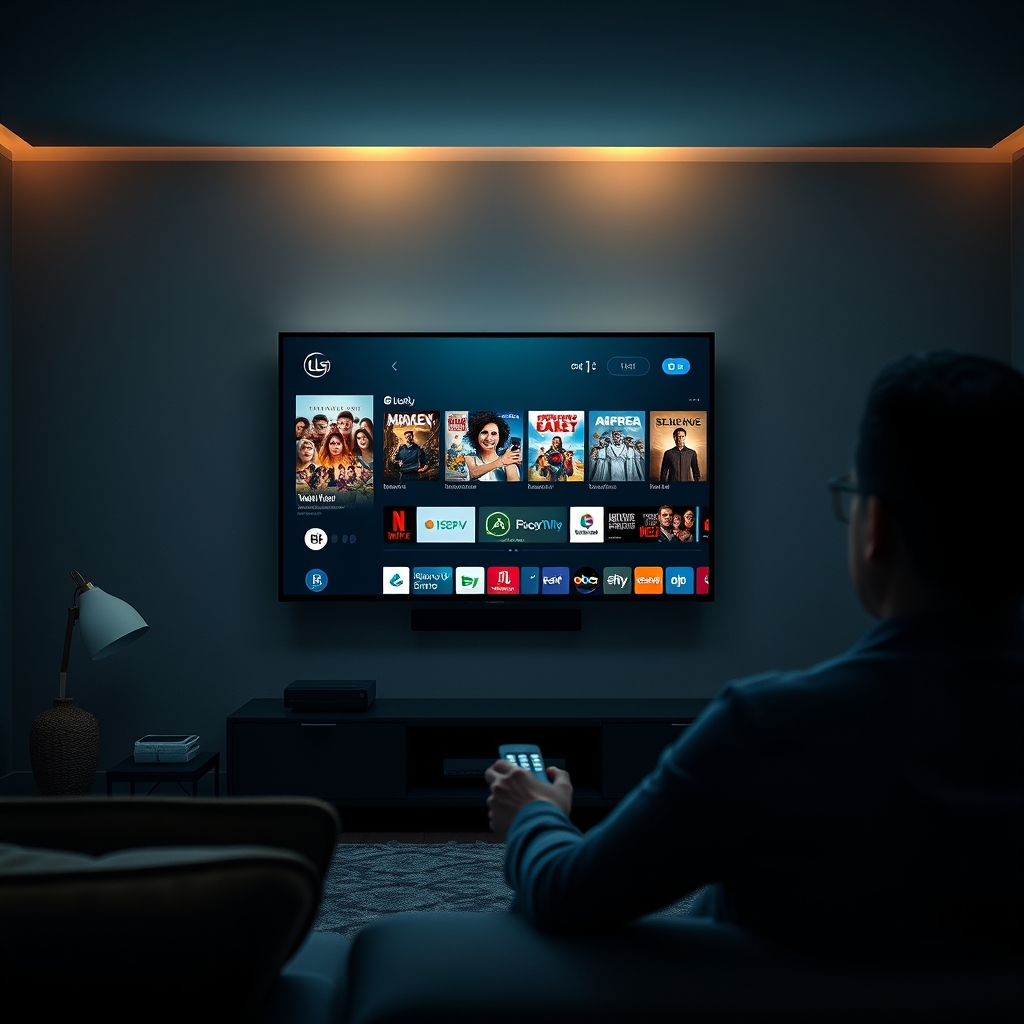
BoxTV Stream is a premium streaming subscription service that offers an extensive library of content, including 250,000+ live TV channels and 200,000+ movies & series. To enjoy this content on your LG Smart TV, you'll need to set up the service. In this guide, we'll walk you through the step-by-step process of setting up BoxTV Stream on your LG Smart TV.
Prerequisites
- An LG Smart TV with internet connectivity
- A BoxTV Stream subscription (visit https://boxtvstream.com/checkout to purchase a plan)
- The M3U link or Xtream Codes login credentials provided by BoxTV Stream via email
Before proceeding, ensure that your LG Smart TV is connected to the internet and that you have received your login credentials from BoxTV Stream. If you haven't purchased a plan yet, visit the BoxTV Stream website to explore the available plans and pricing (https://boxtvstream.com/#pricing).
Setup Process
- 1Go to the LG Content Store on your Smart TV and search for a compatible IPTV app
- 2Install the app and launch it
- 3Enter the M3U link or Xtream Codes login credentials provided by BoxTV Stream
- 4Wait for the app to load the channels and content
- 5Start enjoying your favorite TV shows, movies, and live sports on BoxTV Stream
For a seamless viewing experience, make sure your internet connection is stable and fast enough to support the streaming quality you prefer (up to 4K/8K with anti-freeze technology).
With these simple steps, you'll be able to set up BoxTV Stream on your LG Smart TV and enjoy unlimited entertainment. Choose a plan that suits your needs and start streaming your favorite content today!