Multi-Device Streaming Setup: One Subscription for All 2026
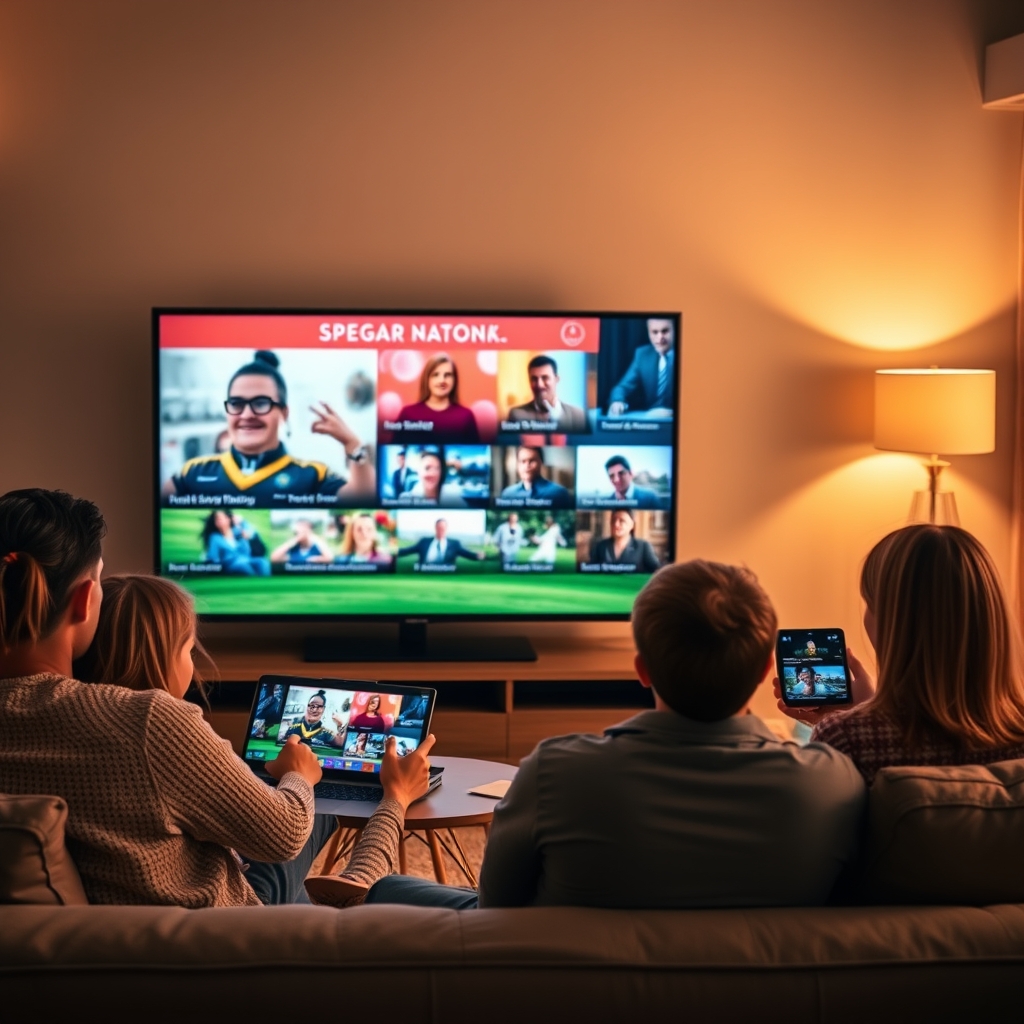
In today's digital age, households often have multiple devices, and each family member wants to stream their favorite content. However, managing multiple streaming subscriptions can be cumbersome and expensive. BoxTV Stream offers a solution to this problem by allowing one subscription for all devices in your household. With BoxTV Stream, you can stream live TV, movies, and series on various devices, including Smart TVs, Amazon Firesticks, Android phones and boxes, iPhones and iPads, Windows and Mac computers, and MAG boxes.
By the end of this article, you will know how to set up BoxTV Stream for multi-device streaming, allowing you to enjoy your favorite content on any device, anywhere in your home. You will learn about the different devices supported by BoxTV Stream, how to install the app, and how to manage your subscription. Whether you are a sports fan, a movie enthusiast, or a TV series addict, BoxTV Stream has got you covered. With its extensive library of live TV channels, movies, and series, you will never run out of options.
Benefits of Multi-Device Streaming
Multi-device streaming offers several benefits, including convenience, flexibility, and cost-effectiveness. With one subscription, you can stream on multiple devices, eliminating the need for separate subscriptions for each device. This not only saves you money but also simplifies your streaming experience. Additionally, BoxTV Stream's multi-device streaming feature allows you to pick up where you left off on one device and continue watching on another, providing a seamless viewing experience.
Another benefit of multi-device streaming is that it allows you to stream on devices that are not typically associated with streaming, such as MAG boxes. This is particularly useful for households with older devices that may not support modern streaming apps. With BoxTV Stream, you can stream on a wide range of devices, including those that are not typically considered streaming devices. To learn more about the different devices supported by BoxTV Stream, visit our setup guides page.
Furthermore, multi-device streaming provides a social experience, allowing family members to watch their favorite content together. Whether it's a live sports event, a movie, or a TV series, BoxTV Stream's multi-device streaming feature enables you to share the experience with others. You can also use the Firestick setup guide to stream on your Amazon Firestick and enjoy a seamless viewing experience.
Setting Up BoxTV Stream for Multi-Device Streaming
Setting up BoxTV Stream for multi-device streaming is a straightforward process. First, you need to subscribe to BoxTV Stream by visiting our checkout page. Once you have subscribed, you will receive login credentials via email, which you can use to access BoxTV Stream on various devices. To learn more about our plans and pricing, visit our pricing page.
Next, you need to download and install the BoxTV Stream app on each device. The app is available for various devices, including Smart TVs, Amazon Firesticks, Android phones and boxes, iPhones and iPads, Windows and Mac computers, and MAG boxes. You can find the app on the app store or by visiting our setup guides page. For example, you can use the Android setup guide to install the app on your Android device.
After installing the app, you can log in using your credentials and start streaming. You can stream live TV, movies, and series on any device, and pick up where you left off on one device and continue watching on another. To manage your subscription and access additional features, you can visit our FAQ page.
Managing Your Subscription
Managing your BoxTV Stream subscription is easy. You can log in to your account on our website and access various features, including subscription management, billing information, and technical support. You can also use the contact support page to reach out to our support team for any questions or concerns you may have.
Additionally, you can use the BoxTV Stream app to manage your subscription on each device. The app allows you to access your account information, manage your subscription, and contact technical support. You can also use the app to stream on multiple devices and pick up where you left off on one device and continue watching on another. For more information on managing your subscription, visit our blog page and read the article on yearly vs monthly streaming plans.
To get the most out of your BoxTV Stream subscription, you can also explore our related articles on topics such as watching AFC Champions League 2026 in 4K and streaming comedy movies in 4K.
Frequently Asked Questions
Q: How many devices can I stream on with one subscription? A: With BoxTV Stream, you can stream on multiple devices, including Smart TVs, Amazon Firesticks, Android phones and boxes, iPhones and iPads, Windows and Mac computers, and MAG boxes.
Q: Can I stream on devices that are not typically associated with streaming? A: Yes, BoxTV Stream allows you to stream on devices that are not typically considered streaming devices, including MAG boxes. For more information on setting up MAG boxes, visit our MAG box setup guide.
Q: How do I manage my subscription? A: You can log in to your account on our website and access various features, including subscription management, billing information, and technical support. You can also use the BoxTV Stream app to manage your subscription on each device.
Q: Can I pick up where I left off on one device and continue watching on another? A: Yes, BoxTV Stream allows you to pick up where you left off on one device and continue watching on another, providing a seamless viewing experience.
Q: What kind of content can I stream with BoxTV Stream? A: With BoxTV Stream, you can stream live TV, movies, and series, including sports, news, and entertainment content. For more information on our content offerings, visit our blog page and read the article on live TV streaming service vs Netflix.
Conclusion
In conclusion, setting up BoxTV Stream for multi-device streaming is a straightforward process that allows you to stream on multiple devices with one subscription. With its extensive library of live TV channels, movies, and series, BoxTV Stream provides a seamless viewing experience that allows you to pick up where you left off on one device and continue watching on another. To get started, visit our checkout page and subscribe to BoxTV Stream today. With our yearly streaming plans, you can save money and enjoy a premium streaming experience.
Device-Specific Setup Guides for Seamless Streaming
To ensure a seamless streaming experience across all your devices, it's essential to follow the specific setup guides for each device. For instance, if you're using an Amazon Firestick, you can see the Firestick setup guide on our website, which provides step-by-step instructions on how to install and configure BoxTV Stream on your device. Similarly, if you're using a Smart TV, you can refer to the Smart TV setup guide for easy installation and setup. By following these guides, you can enjoy uninterrupted streaming of your favorite live channels and movies on any device.
In addition to device-specific setup guides, we also offer a comprehensive setup guide index that provides links to setup guides for various devices, including Android phones and TV boxes, iPhones and iPads, Windows and Mac computers, and MAG boxes. This index serves as a one-stop resource for all your setup needs, ensuring that you can easily find the guide you need to get started with BoxTV Stream. Furthermore, our blog section features articles on topics such as how to choose a reliable streaming service and understanding the EPG TV guide, which can help you make informed decisions about your streaming experience.
For those who want to explore more about the benefits of multi-device streaming, our blog section features articles such as Yearly vs Monthly Streaming Plans: Save Money on Live TV and Fair Price for Live TV Streaming: 2026 Buyer's Guide, which provide valuable insights into the world of streaming. By reading these articles, you can gain a deeper understanding of how to optimize your streaming experience and make the most of your subscription. Moreover, our setup guides are designed to be easy to follow, and our support team is always available to assist you with any questions or issues you may have.
Troubleshooting Common Issues for Smooth Streaming
Despite the ease of setup and use of BoxTV Stream, you may encounter some common issues that can disrupt your streaming experience. One of the most common issues is buffering, which can be frustrating and disrupt your viewing experience. To address this issue, you can refer to our blog article on fixing buffering, which provides tips and tricks on how to ensure a smooth 4K stream. Additionally, you can check our FAQ section for answers to frequently asked questions and troubleshooting guides for common issues.
Another common issue that users may encounter is difficulty in accessing certain channels or content. In such cases, you can check the EPG TV guide to see if the channel is available and if there are any issues with the broadcast. You can also refer to our setup guides to ensure that your device is properly configured and that you have the necessary permissions to access the content. Moreover, our support team is always available to assist you with any questions or issues you may have, and you can contact them for further assistance.
In addition to troubleshooting guides, our blog section features articles on topics such as watching the AFC Champions League 2026 in 4K and watching the UEFA Champions League 2026 in 4K, which provide information on how to access live sports events and other content on BoxTV Stream. By reading these articles, you can stay up-to-date with the latest developments in the world of streaming and make the most of your subscription. To get started with BoxTV Stream, you can visit our checkout page and choose a plan that suits your needs.
Choosing the Right Plan for Your Household
With BoxTV Stream, you can choose from a variety of plans that cater to different household sizes and streaming needs. To choose the right plan for your household, you can visit our pricing page and compare the features and benefits of each plan. You can also refer to our blog article on how to pick the perfect live TV streaming service for tips and advice on selecting the best plan for your needs.
In addition to choosing the right plan, you can also consider purchasing devices and accessories from our shop to enhance your streaming experience. We offer a range of devices, including Android TV boxes and remotes, that are compatible with BoxTV Stream and can provide a seamless streaming experience. Moreover, our setup guides are designed to be easy to follow, and our support team is always available to assist you with any questions or issues you may have. To learn more about our plans and devices, you can visit our website and explore our blog section for more information.
In conclusion, setting up multi-device streaming for your household with BoxTV Stream is easy and convenient. With our device-specific setup guides, troubleshooting tips, and choice of plans, you can enjoy a seamless streaming experience across all your devices. To get started, you can visit our checkout page and choose a plan that suits your needs. With BoxTV Stream, you can enjoy unlimited entertainment and make the most of your subscription.
Optimizing Your Home Network for Smooth Multi-Device Streaming
To ensure a seamless streaming experience across all your devices, it's essential to optimize your home network. This can be achieved by investing in a high-quality router and modem, which can provide a stable and fast internet connection. You can also consider upgrading your internet plan to a higher speed tier, which can support multiple devices streaming simultaneously. For more information on how to set up your devices, you can refer to the setup guides provided by BoxTV Stream.
Another crucial aspect to consider is the placement of your router. It's recommended to place it in a central location in your home to ensure that all devices can connect to it easily. You can also use Wi-Fi range extenders to boost the signal and eliminate any dead spots. By optimizing your home network, you can enjoy smooth and uninterrupted streaming on all your devices. If you're experiencing any issues with your streaming service, you can visit the FAQ section for troubleshooting tips and solutions.
In addition to optimizing your home network, it's also important to consider the devices you're using for streaming. BoxTV Stream supports a wide range of devices, including Smart TVs, Amazon Firestick, Android phones and boxes, iPhone and iPad, Windows and Mac, and MAG boxes. You can find device-specific setup guides on the BoxTV Stream website, which can help you get started with your streaming service. For example, you can see the Firestick setup guide for step-by-step instructions on how to set up your Firestick device.
Streaming on the Go: How to Access BoxTV Stream Outside Your Home
With BoxTV Stream, you're not limited to streaming within your home. You can access your streaming service on the go, using your mobile device or laptop. This is especially useful when you're traveling or commuting, and you want to stay entertained. To access BoxTV Stream outside your home, you can use the same login credentials that you use at home. Simply download the BoxTV Stream app on your mobile device or visit the BoxTV Stream website to start streaming. You can also refer to the blog section for articles on how to stream on the go, such as the guide to streaming comedy movies in 4K.
When streaming outside your home, it's essential to ensure that you have a stable internet connection. You can use public Wi-Fi networks or your mobile data plan to access the internet. However, keep in mind that public Wi-Fi networks may not be secure, so it's recommended to use a VPN to protect your data. You can also consider investing in a portable Wi-Fi hotspot, which can provide a secure and stable internet connection. For more information on how to stream on the go, you can visit the BoxTV Stream blog for tips and guides.
In addition to streaming on the go, you can also use BoxTV Stream to stream on multiple devices at the same time. This is useful when you have a large household with multiple users, and you want to ensure that everyone can stream their favorite content simultaneously. To stream on multiple devices, you can purchase a multi-device plan, which can support up to 5 devices at the same time. You can check the pricing plans to see which plan is best for your household. For more information on how to choose the right plan, you can refer to the guide to choosing the right plan.
Getting the Most Out of Your BoxTV Stream Subscription
To get the most out of your BoxTV Stream subscription, it's essential to explore all the features and content that are available. You can browse through the library of content to discover new movies and TV shows, or you can use the search function to find specific titles. You can also use the EPG TV guide to plan your viewing schedule and set reminders for your favorite shows. By taking advantage of these features, you can enhance your streaming experience and get the most out of your subscription. For more information on how to use the EPG TV guide, you can refer to the EPG TV guide article.
In addition to exploring the features and content, you can also use the setup guides to optimize your streaming experience. The setup guides provide step-by-step instructions on how to set up your devices, troubleshoot common issues, and optimize your home network. By following these guides, you can ensure that you're getting the best possible streaming experience. You can also visit the BoxTV Stream shop to purchase devices and accessories that can enhance your streaming experience. For example, you can purchase an Android TV box or a projector to stream your favorite content on the big screen.
To start streaming with BoxTV Stream, you can visit the checkout page to purchase a subscription plan. With a wide range of plans to choose from, you can select the one that best fits your needs and budget. Whether you're looking for a single-device plan or a multi-device plan, BoxTV Stream has got you covered. So why wait? Sign up for BoxTV Stream today and start enjoying your favorite content on all your devices.